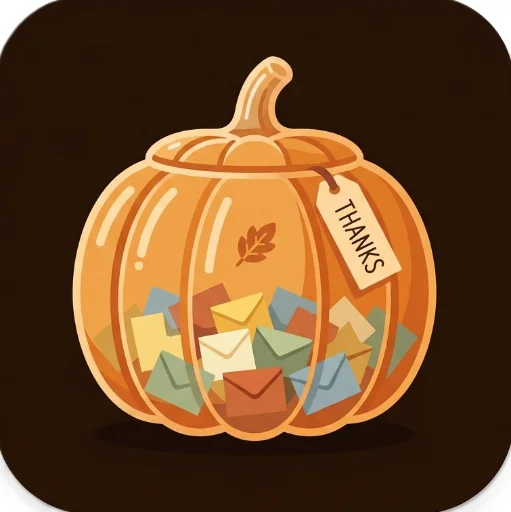

Fill a glass pumpkin jar with thank-you notes, then draw them one at a time to read together. Students write from their own devices. You project the jar and control everything else.
November 5, 2026 Date app was updated 9 Number of launches Link & QR Display
Target Audience
Teachers Everyone
Additional Details
Before class (about 2 minutes)
- Open the app on the computer connected to your projector. The first time, a short How it works guide opens. Click Got it.
- Have the app link ready for students. Share it the way you share your other TeacherHive apps.
- Optional: add a few notes yourself with Add gratitude, or paste a list in Teacher tools, so the jar isn't empty when students arrive.
Keep your screen open the whole time students are writing. Their notes land in the jar there.
Collecting notes
- Click Open jar for student notes. A 4-character class code appears at the top of your screen.
- Students open the app link, type the class code, write their note and click Fold & drop in. They can tick Sign it with my name tag to add their name.
- Each note folds and drops into the jar on your screen as it arrives.
- Click Close jar when writing time is over.
The class code keeps notes from anyone outside your room out of your jar. If it gets shared, click New code, and the old code stops working right away.
Reading notes together
- Click Draw a note. A random note rises out of the jar and unfolds on the screen.
- Read it aloud, then click Draw another or Close. Pressing Esc also closes it.
- Notes don't repeat until every note has been read. Then the app offers to reshuffle.
Tags
Comments
Sign in to leave a comment.