Skip to content
Tony Vincent
Tony Vincent

The Teacher Hive Halloween App Challenge

Here’s an excuse to build a new, creative app! From now through Sunday, October 18, tag your app Halloween and you’ll be entered in the Teacher Hive Halloween App Challenge. Your app can have a spooky or fall theme, be about Halloween, or use the spirit of Halloween as a fun wrapper for something educational.


Keep scrolling for all the details!
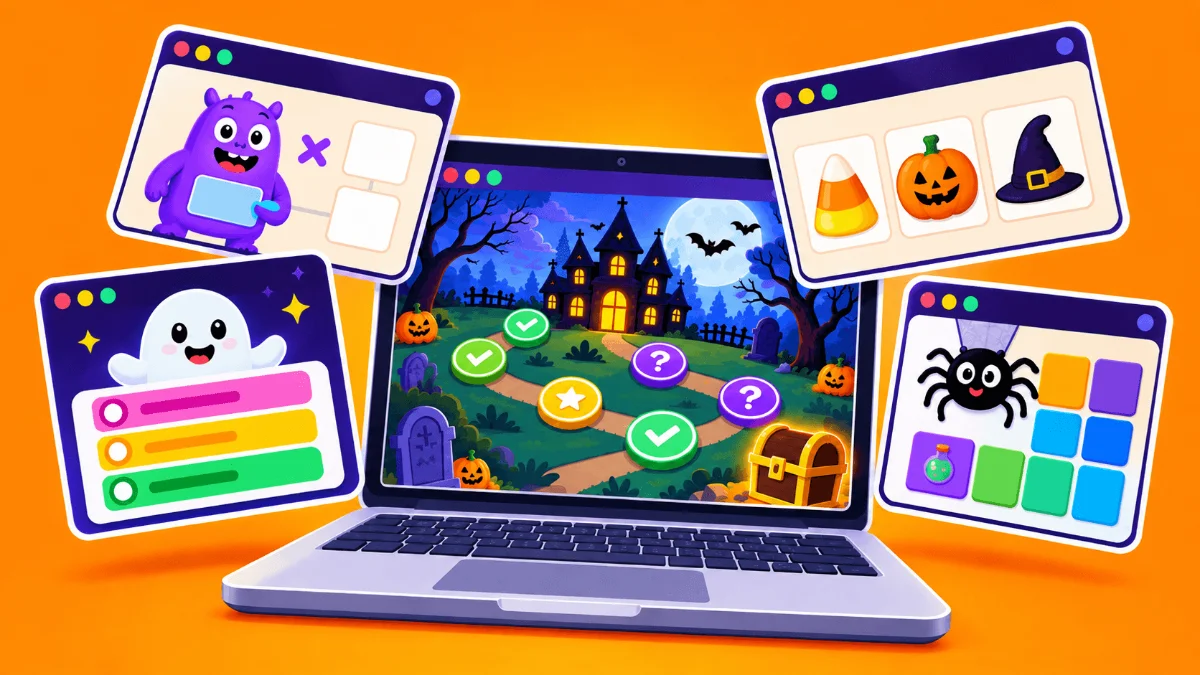
Illustration of a computer with various Halloween themed apps


How to Enter


You can enter up to five apps. Just tag your publicly listed app "Halloween" by Sunday, October 18.


On Monday, October 19, a panel of judges, (consisting of my 13-year-old twins and Claude AI) will score every entry on:


  • 🎃 Halloween spirit
  • 💡 Creativity
  • ⚙️ How smoothly it runs
  • 📚 Educational value
  • 🏫 Classroom readiness


Need an Idea?


  • 🏚️ A haunted house math escape room where solving problems unlocks the next door
  • 👻 A vocabulary matcher with a monster or costume theme
  • 🔐 A “decode the ghost’s message” cipher puzzle
  • 💰 A simulation about budgeting for costumes or candy
  • 🧠 A spooky trivia quiz for your subject, with Halloween as the theme


I built Ghost Writer a a year ago. It can be used year-round, but it’s especially fun in October.

Ghost Writer
Ghost Writer FROM TONY VINCENT
apphive.us/ghostwriter

Force yourself into a writing flow with Ghost Writer. If you stop typing, your text disappears and is gone for good. Set a goal for either time or word count.

Info

How the Winners Are Chosen

The five highest-scoring apps become finalists. I’ll draw the grand prize winner at random from those five. The four other finalists will be the runners-up.


The Prizes

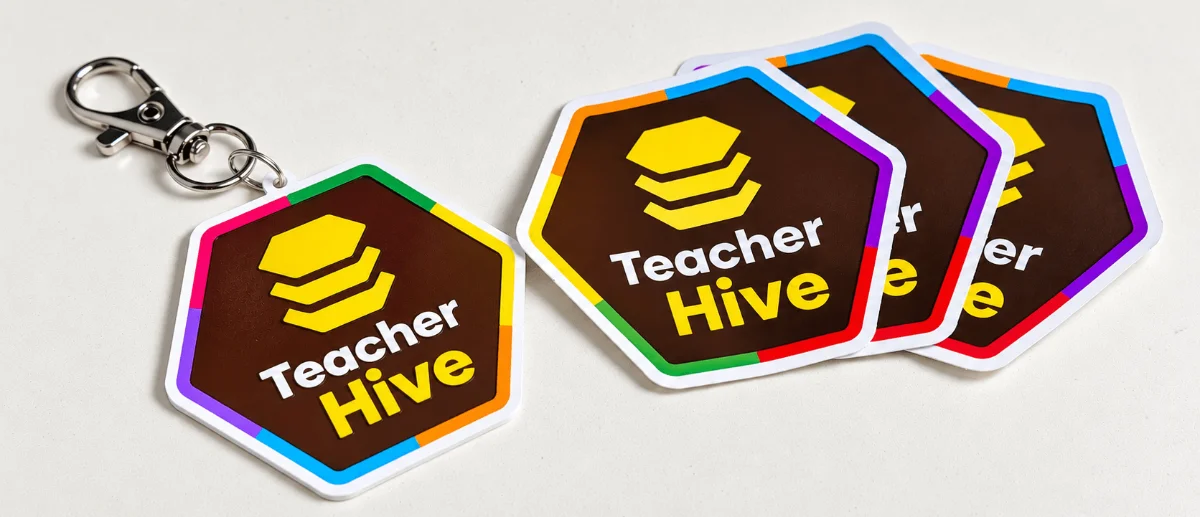
The grand prize winner gets a free year of Teacher Hive Pro, plus Teacher Hive stickers and a keychain. The four runners-up get the stickers and keychain.

Photo of a 3D printed Teacher Hive keychain and 3 stickers

Ready to Build?

So, what will you build? Something spooky? Something clever? Something your students will love? Tag it Halloween, and you’re in!


How to Tag Your App

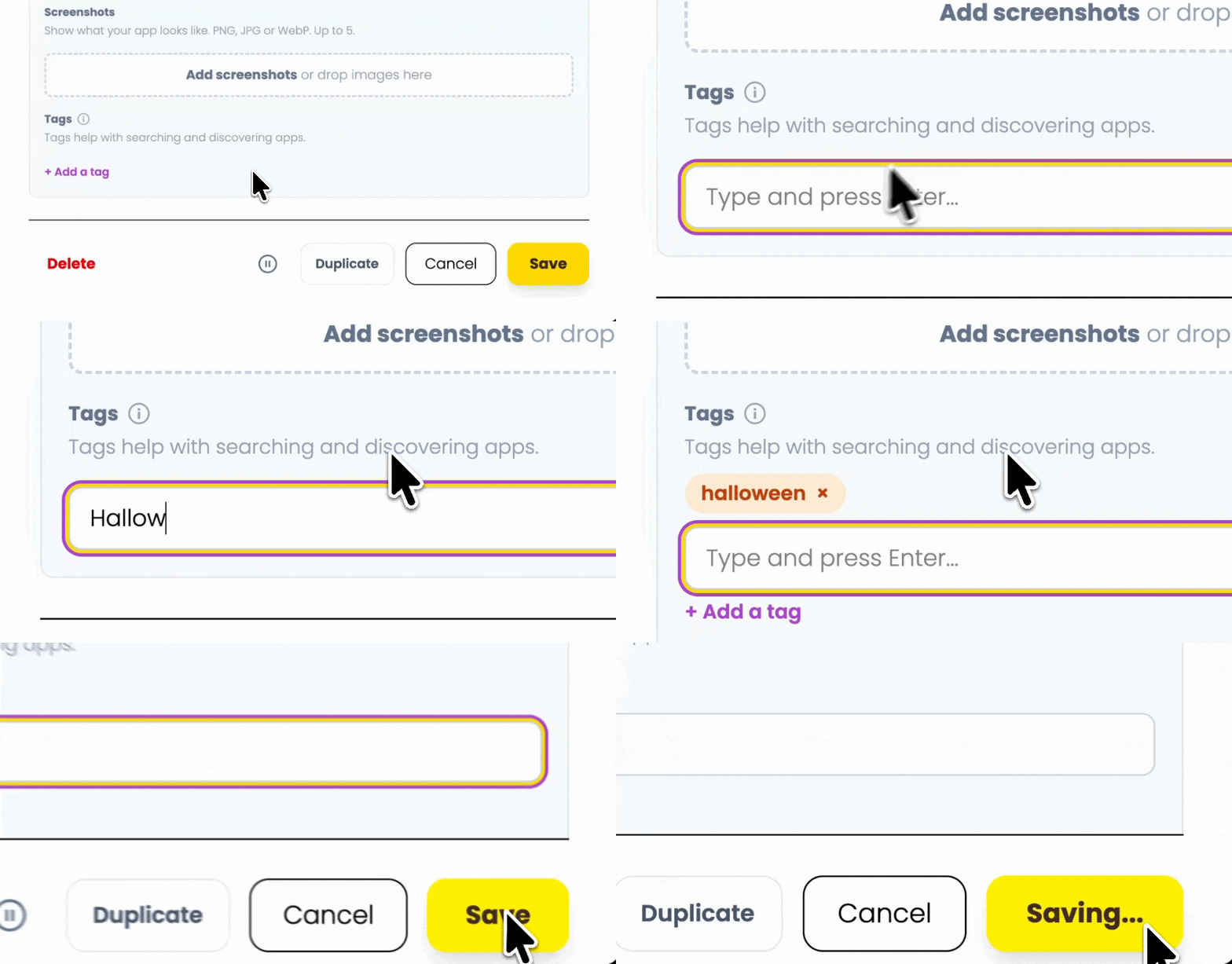
Tags help with searching and discovering apps. You can add multiple tags to an app. You add them in the Add/Edit App Form. Scroll down, and it’s the last option. Click + Add a tag and enter Halloween.

Animation showing adding a tag to an app

Click here to see apps tagged Halloween. Hopefully, we’ll see lots of apps added to this tag over the next few weeks!

Comments

Sign in to leave a comment.