
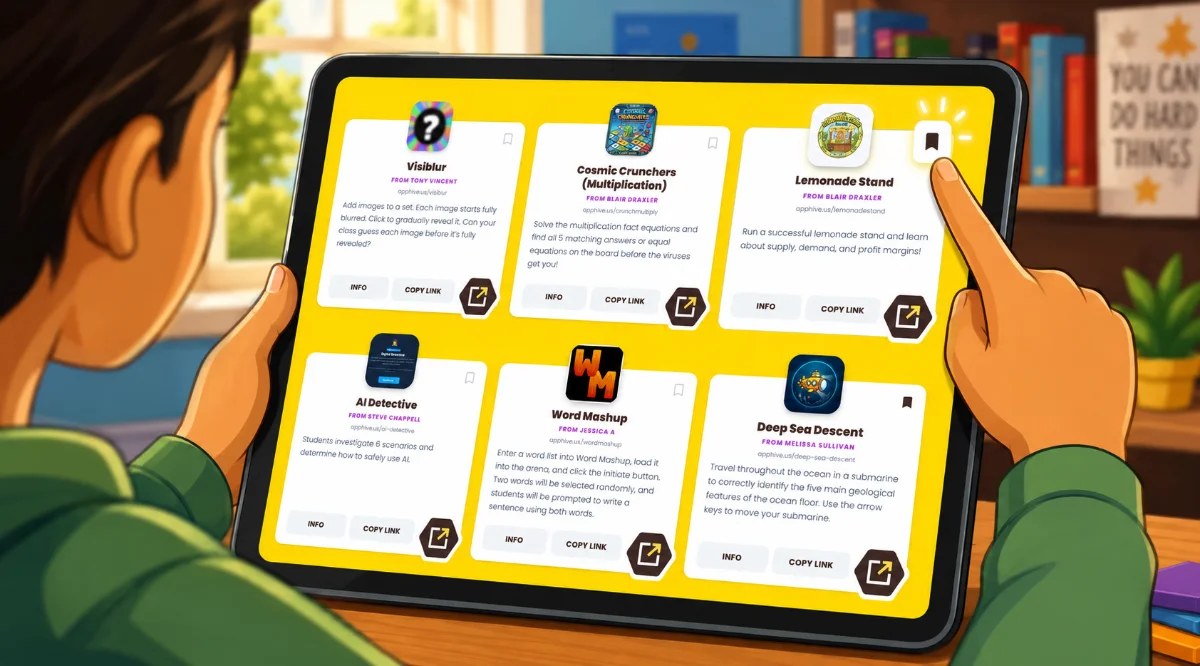
Teacher Hive has hundreds of apps, and bookmarks are how you keep track of the ones you'll want to come back to. While logged into Teacher Hive, tap the bookmark icon on any app and it lands in your Saved list, which gets created automatically the first time you bookmark something.
Once you've saved a few, bookmark lists are the next move. You can make up to 20 of them, named however you want, like "End-of-year activities," "Brain breaks," or "Sub-day favorites." When you bookmark an app, the pop up message lets you drop it straight into the right list instead of always defaulting to Saved.
Click your profile picture in the top-right corner of Teacher Hive and choose My Bookmarks. This is where you can add, rename, reorder, and delete lists.
Lists can be public, too. Flip the toggle on any of your lists and you'll get a URL like teacherhive.app/user/tony/randomizers. Send it to a colleague and they can browse the whole collection, which is a much nicer way to share than copying and pasting ten app links one by one. Publics lists are also displayed on your Profile page.
Bookmark something this week, and if a list of yours is worth sharing, flip it public and pass the URL along. Feel free to share through email, newsletters, and social media.

Comments
Sign in to leave a comment.