
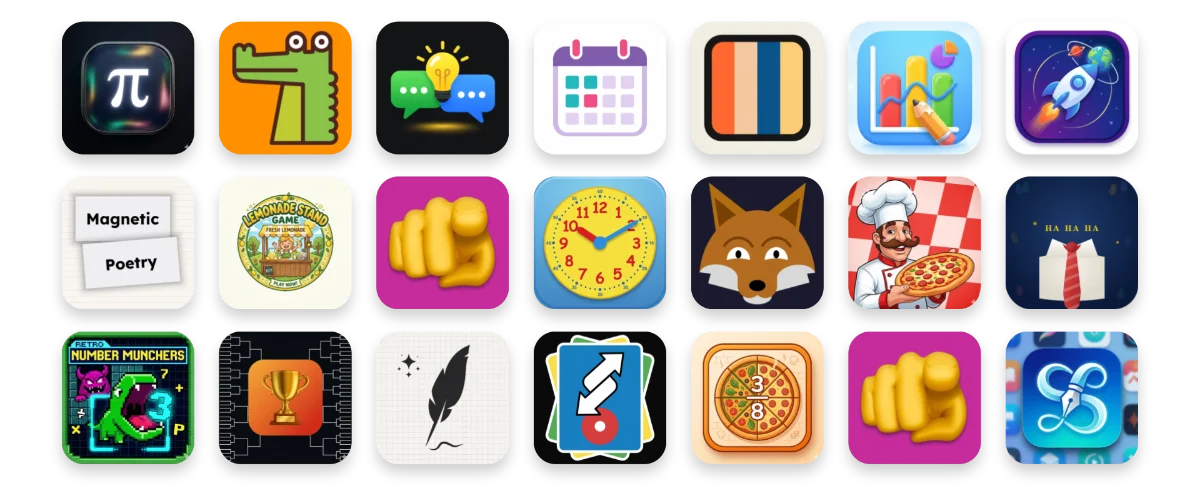
An icon is like a book cover or movie poster for your app. It shows up small, so keep it simple. Bold, unique, and easy to recognize works best.
When you add an app to Teacher Hive, you can upload a custom square icon. Aim for 512 × 512 pixels. If you skip this step, Teacher Hive creates a simple default icon. You can always update it later.
Your app’s icon appears in several places:
- Teacher Hive website
- Browser tab (favicon)
- Social media previews
- Phone or tablet Home Screen
Try adding your app to your device’s Home Screen. It’s pretty satisfying to see it alongside your other apps.
Add your app to an iPhone or iPad Home Screen:
- Open your app in Safari
- Tap Share
- Tap Add to Home Screen
- Tap Add

Comments
Sign in to leave a comment.