
I recently read an informative Edutopia article, A Checklist to Evaluate Educational Apps for Distractions by Liz Kolb, Thomas Drake, Heidi Bennett. It's written for teachers who are choosing apps for their students, but as I read it, I found myself thinking about teachers who are building their own classroom apps with AI.
If you're vibe coding activities, quizzes, games, or review tools for students, the same checklist becomes an interesting way to look at your own creations.
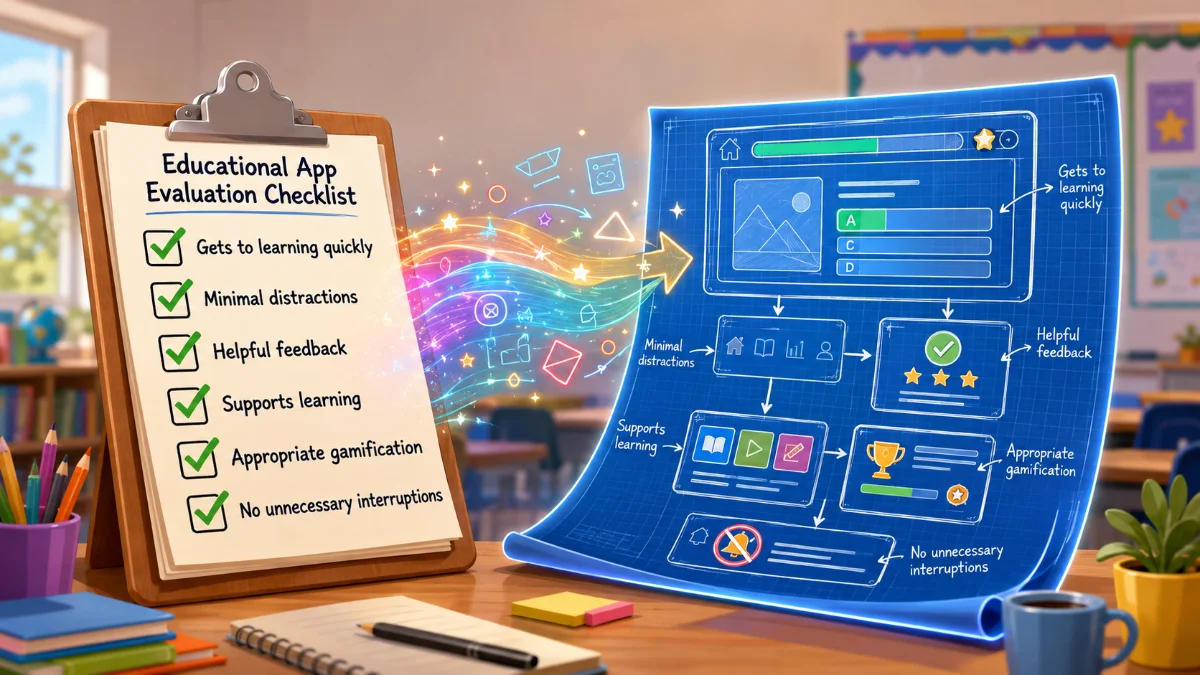
Getting to the learning
One of the checklist items asks how long it takes before students actually begin learning. That made me think about the apps I've enjoyed using most. Many of them get students into the activity almost immediately: open the app, understand the task, and start learning.
When AI can build almost anything, it's easy to add welcome screens, settings, instructions, and extra options. Sometimes those make an app better. Sometimes they just delay getting to the good part.
Looking for distractions in my own apps
The article encourages teachers to look for things that pull students away from learning, and I started wondering what distractions I accidentally build into my own apps. When AI can add features in seconds, it's tempting to keep saying yes.
Another menu. Another animation. Another button.
Sometimes those additions make an app more useful. Sometimes they just make it busier. It made me appreciate some of my favorite Teacher Hive apps, which usually have one clear purpose and don't try to do everything.
What happens after a wrong answer?
One suggestion in the article is to intentionally answer questions incorrectly while testing an app. Does the app simply say "Incorrect," or does it help students think a little more? Maybe it offers a hint. Maybe it narrows the choices. Maybe it encourages another attempt instead of immediately moving on. Those interactions can be just as important as getting the answer right.
Thinking differently about gamification
The article also got me thinking about rewards and game mechanics. I don't think points, badges, timers, or celebrations are the problem. Some of my favorite Teacher Hive apps use them really well because they create excitement and give students another reason to participate.
What I found myself wondering is whether the gamification supports the learning or starts competing with it. That's probably something I'll be paying more attention to in my own apps.
A couple of built-in advantages
As I was reading, I realized Teacher Hive already avoids a couple of the distractions mentioned in the article. There are no ads, and students don't need to create accounts or log in. That means they can usually get right to the activity instead of navigating around things that aren't part of the learning experience.
Wrap-up
Reading the article reminded me that building an educational app isn't just about what AI can generate. It's also about deciding what to leave out, and that's a question I'll probably be asking myself more often as I build.

Comments
Sign in to leave a comment.