
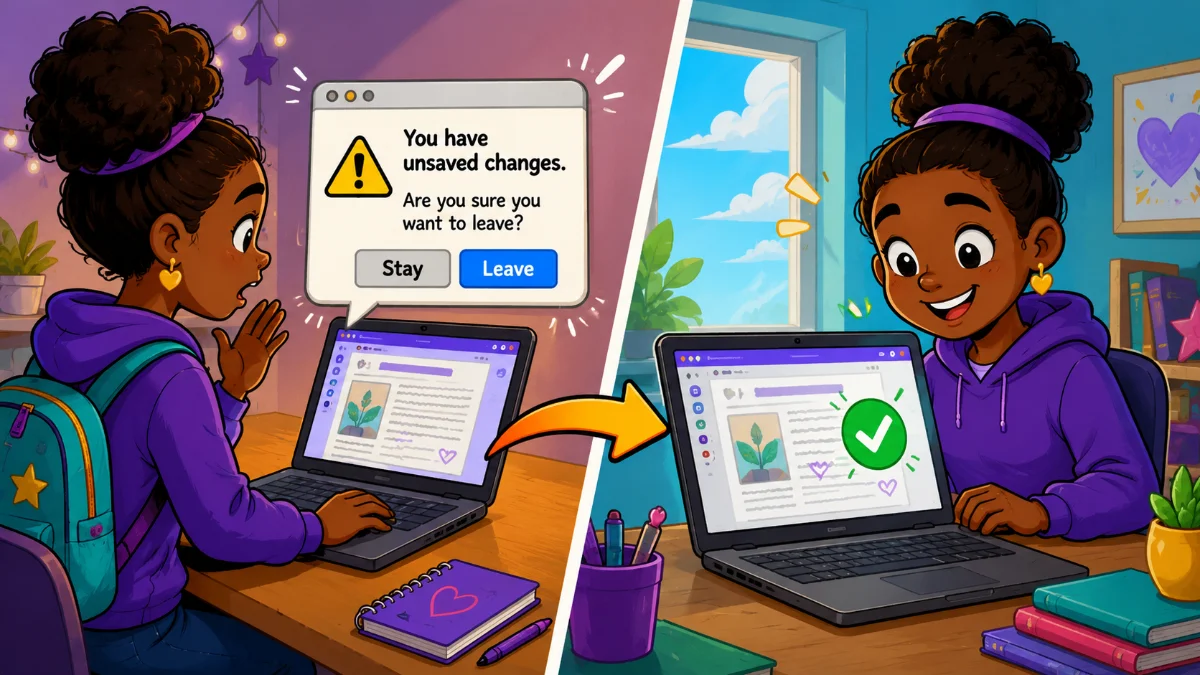
Have you ever filled out a form, typed a long response, or customized settings in an app only to accidentally leave the page?
Many websites try to prevent this with an unsaved changes warning. If you attempt to close a tab, refresh the page, or navigate elsewhere, the browser asks if you're sure you want to leave.
These warnings can save users from losing work, but they're only part of the solution.
What Happens When Users Leave?
An unsaved changes warning helps users avoid mistakes before they happen. Imagine a student spends fifteen minutes typing a beautiful poem and accidentally refreshes the page. Instead of losing everything, they see a warning and can choose to stay.
When vibe coding, try this prompt:
Add an unsaved changes warning whenever the user has entered or modified data that has not been saved.
This feature is especially useful for writing activities, surveys, reflection journals, and data-entry tools.
However, warnings only work if users notice them and choose to stay.
What Happens When They Come Back?
This is where local storage shines.
Local storage saves information directly in the user's browser and restores it when they return. This protects against accidental refreshes and browser crashes, but it also makes it easy for users to continue their work later.
A student can start writing today and return tomorrow to finish, as long as they're using the same browser on the same device. A teacher can customize a randomizer during planning time and find those settings waiting the next time they open the tool.
Try prompting AI with:
Automatically save all user-entered data to local storage as it changes. Restore saved data when the page loads so users can continue where they left off, even after closing the browser or returning days later.
For many educational apps, this feature is just as valuable as protecting against accidental loss.
Why Use Both?
The strongest apps use both approaches:
- The warning helps users before they leave.
- Local storage helps them after they return.
Understanding the Limits of Local Storage
Local storage is helpful, but it isn't a backup system.
- It's tied to a specific browser and device.
- If a student saves work on one Chromebook and later signs into a different Chromebook, the saved information usually won't be there.
- It can be cleared by users, browser settings, extensions, or school device resets.
Because of these limitations, local storage should be viewed as a convenience feature rather than permanent storage.
If your app saves data automatically, consider adding a reset option:
Add a Clear Saved Data button that removes all locally stored information after asking for confirmation.
This is especially helpful when devices are shared or users want to start over.
A Small Feature That Makes a Big Difference
When vibe coding, it's easy to focus on features. It's just as important to think about what happens when something goes wrong.
A student closes a tab. A teacher refreshes the page. A Chromebook crashes.
Or maybe they simply run out of time and come back tomorrow.
Will their work still be there?
A few extra prompts can help users recover from mistakes, pick up where they left off, and create a smoother, less frustrating experience for everyone who uses your app.

Comments
Sign in to leave a comment.