
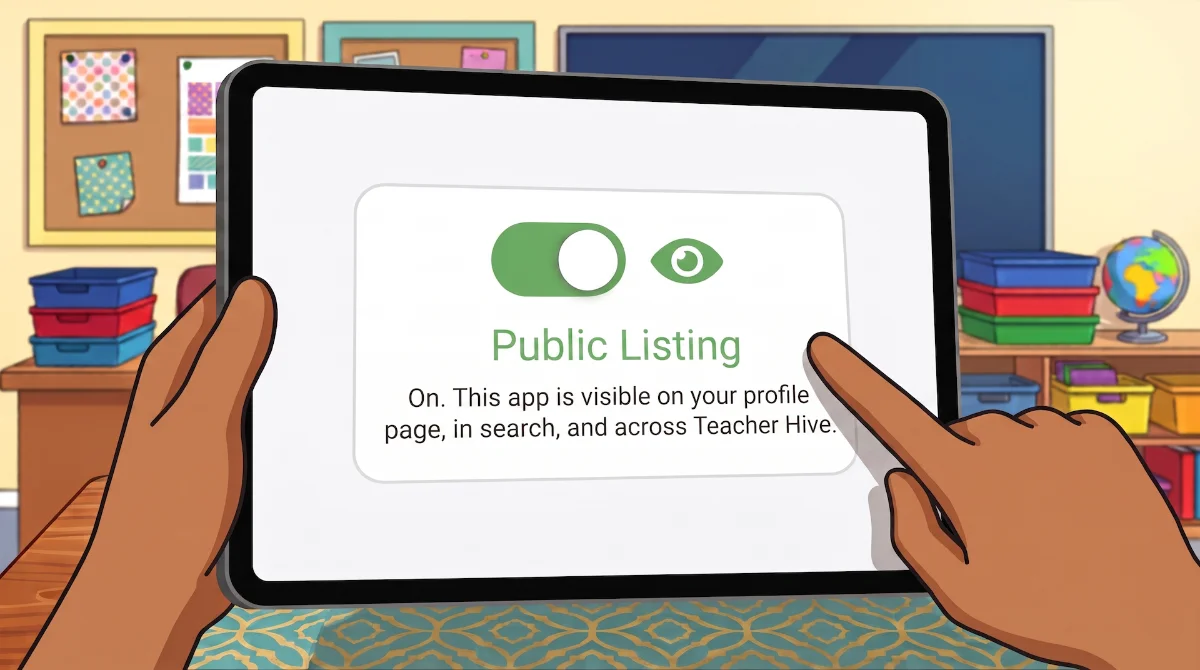
Every app you add to Teacher Hive has a Public Listing switch on its Edit screen, and it starts in the Off position on purpose. So when should you flip it?
While you're building and testing, leave it Off. An unlisted app stays out of Teacher Hive's public spaces. It won't appear in search, and it won't show up in Collections, Just Landed posts, or Trending. That's exactly what you want while you're still tweaking and testing. You can avoid having an unfinished app seen by other teachers before it's ready.
Public Listing Off doesn't mean your app is offline. Every app is always live at its apphive.us URL. You can use it, and anyone you share the link with can use it too. Think of Public Listing as "include me in the directory," not "turn my app on."
You may also decide to leave Public Listing off permanently. Maybe the app is just for you, your students, or a few colleagues. Maybe it references your school's schedule, mascots, classroom routines, or other details that only make sense in your context. Or perhaps it's a quick utility or experiment that doesn't need to be discovered by everyone. As long as you have the link, the app is there whenever you need it.
Once you're happy with your app and think it could be useful to other teachers, head back to Edit and switch Public Listing to On. Now other teachers can discover it through search, and your app becomes eligible for all the fun stuff.
- Teachers who follow you get notified that you've published something new.
- The app appears on your Teacher Hive Profile page.
- It can be added to Teacher Hive Collections.
- Newly listed apps might be included in a Just Landed post on The Buzz.
- Popular apps can even make it into Trending.
So the process is this: build with Public Listing Off, share the link with a few trusted colleagues if you'd like, then switch it On when you're ready for every teacher to find it.
One more thing: Pause
Need to temporarily take an app offline? Use the Pause button at the bottom of the Edit screen. It makes the app unavailable, even to people with the direct link, until you press Play again. Everything is preserved.
If your app has already been publicly listed, pause it thoughtfully. Other teachers may already be using it or have lessons planned around it, so a sudden pause could catch them by surprise.
Comments
Sign in to leave a comment.