
Pete Torrez
Noncredit ESL Instructor at LA Mission College and amateur vibe coder.
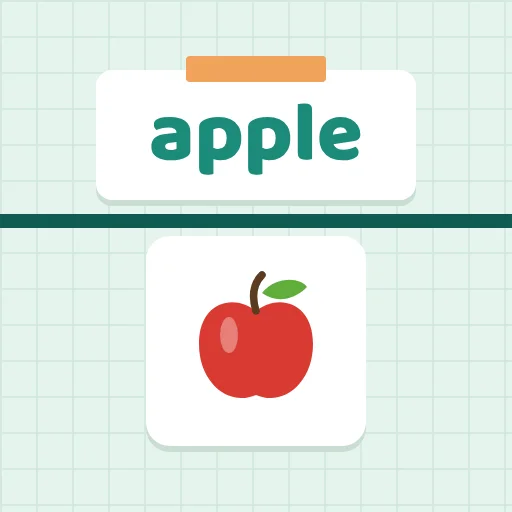
Customers ask for things in words. Students tap the matching picture. 15 topics like food, clothing, jobs, and money, with levels, audio, and English or Spanish menus.

Name free-time activities, answer "What does she like to do?", choose like or likes, and build sentences in order. Ventures Basic Unit 10.
Name the chore in the photo, answer "What is she doing?", and choose am, is, or are. Directions are also in Spanish. Ventures Basic Unit 9.

Look at a person at work and choose the job, match jobs to their duties, and answer yes/no questions like "Does she count money?" Ventures Basic Unit 8.
Shop for clothes in a pixel-art store. Name the clothes and colors, and read and say prices. Ventures Basic Unit 7.
Read party invitations and answer questions about events, clock times, and days of the week. Then make the sentence. Ventures Basic Unit 6.
Find places on a city map from clues like "across from the bank" and "between the library and the post office." Every clue is read aloud. Ventures Basic Unit 5.
A body part flashes. Students choose the word to finish "My ___ hurts." Try Plurals mode for "My feet hurt." Made for the projector. Ventures Basic Unit 4.
Meet 12 families. Look at the family tree, listen, and answer questions like "Who is Rosa's husband?" Practice mother, brother, wife, son, and more. Ventures Basic Unit 3.
Find things in a classroom: "Where is the clock?" Practice in, on, under, and next to. Tap, type, or say the answer, with every question read aloud. Ventures Basic Unit 2.

Read an ID card and answer questions about name, country, phone number, and birthday. Tap, type, or say the answer. Help in 15 languages. Ventures Basic Unit 1.

24 short, self-paced activities for new computer users: mouse and keyboard, files, word processing, spreadsheets, online safety, email, and AI literacy. For LAMC Basic Computer Skills.

Free PowerPoint practice for adult learners: step-by-step task cards, ribbon and shortcut drills, and a private file checker for class projects and MOS exam prep. Made for LAMC PowerPoint.
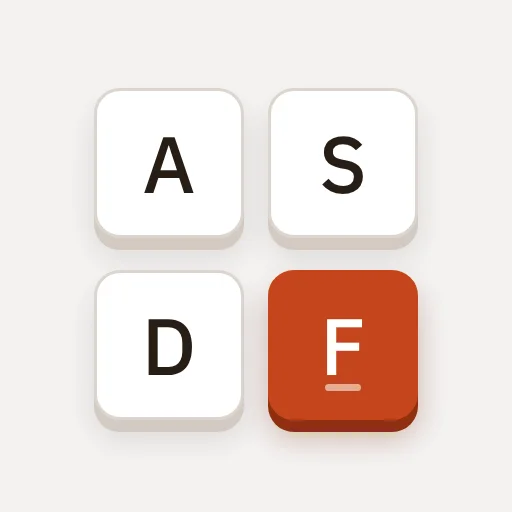
Typing practice for adult English learners: key drills, words, sentences, and real passages, plus a 3-minute timed test and an AI chat partner. No account needed. For LAMC Keyboarding.
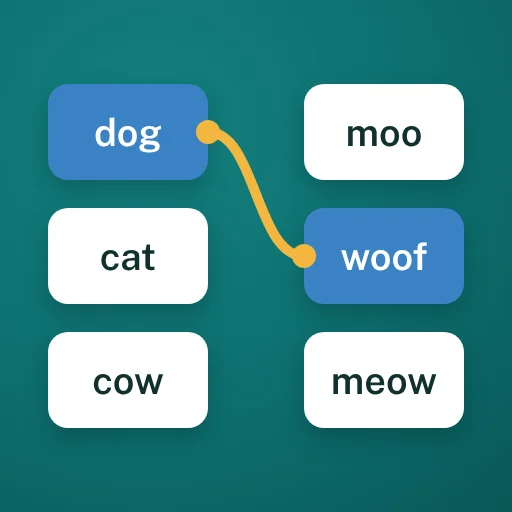
Click one card from each column to make a match. Type your own pairs, like words and meanings, or add pictures to any card. Wrong matches flash red. Great for vocabulary review.
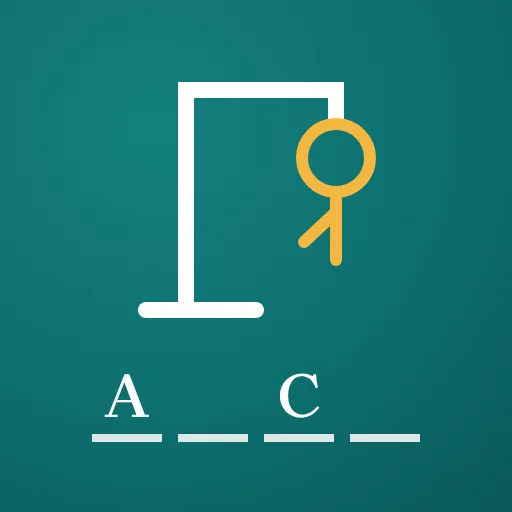
Classic hangman with your own words and phrases. Students guess letters by tapping or typing, with wrong letters crossed out. Add picture clues. Great for spelling and vocab review.

Paste a short passage and it splits into sentences and mixes them up. Students drag the sentences back into order, then check. Add an optional picture. Great for reading and sequencing.
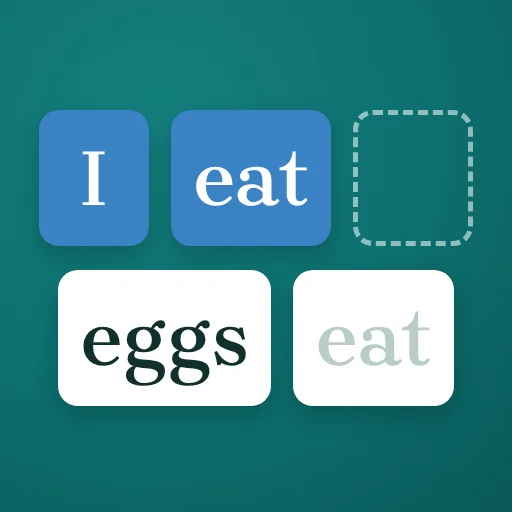
Put a scrambled sentence back in order by tapping the words. End punctuation stays in place. Add your own sentences, then check or reveal the answer. Great for grammar and word order.
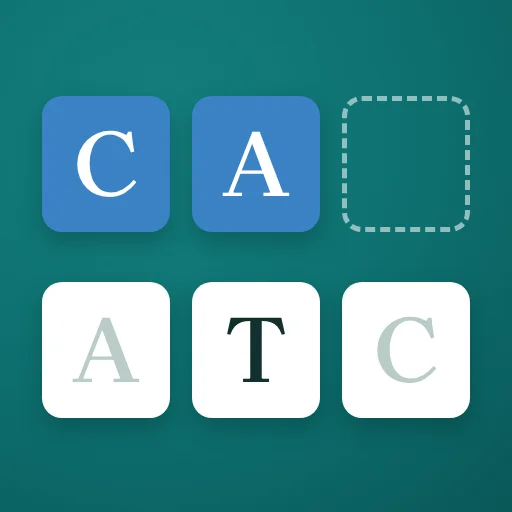
Unscramble the letters of a word, one box at a time. Add your own words or phrases, add a picture clue, then check or reveal the answer. Great for spelling and vocabulary review.
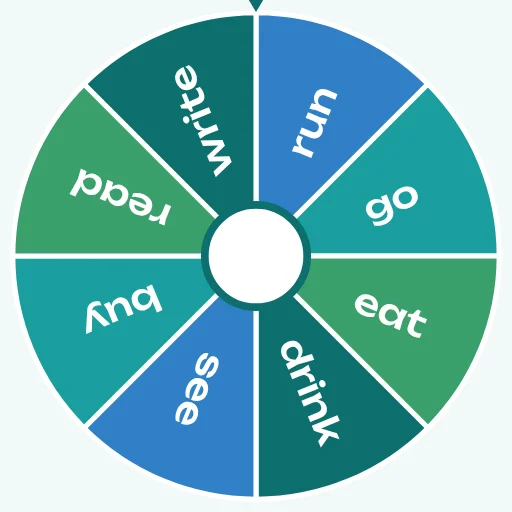
Pick a random name, word, or picture with a wheel, roulette, grid, and more. Type entries or upload images, or use groups to pick one from each. Built for classroom teachers.