
This week I subbed in a fourth grade classroom. The plans had me teaching Bridges Math Unit 7, Module 1, Session 4: Equivalent Fraction Fill. I’ve taught Bridges before, so I know the routine. This lesson uses paper fraction bars and a spinner for a whole-class game.
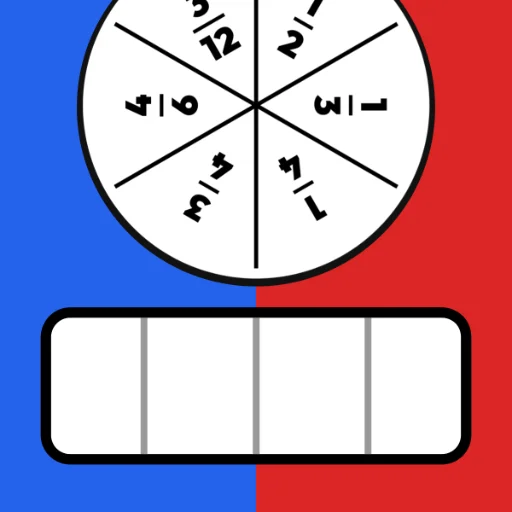
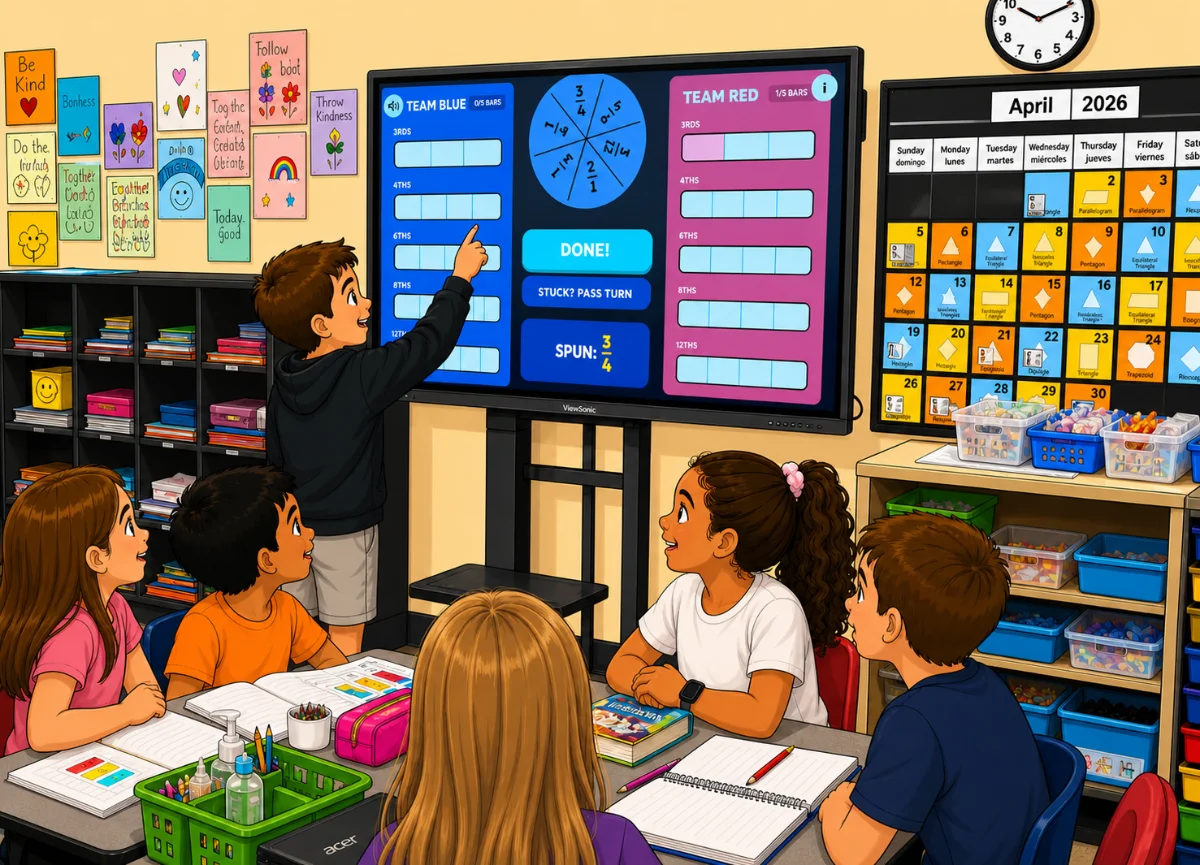
Instead of juggling all that under a document camera, I asked Google Gemini to turn the paper game into a full-screen digital activity for the classroom touchscreen. I named it Fraction Fill.
Along with the game rules, here are some of the prompts that made a difference:
- Design for the big screen → Keep everything on one screen. No scrolling.
- Take up the whole display → Include a full screen button.
- Add a Start button → Don’t begin or assign teams automatically. Use a big Start button so I can kick things off when I’m ready.
- Make turns obvious → Add an arrow above the active team and gray out the other side so everyone can see whose turn it is.
- Plan for learning moments → If a fraction is incorrect, don’t cover up what the student entered. Let us see and talk about it.
- Include a celebration → Show a message for the winning team and add a glowing border in their color.
- Show the board at the end → Keep the final board visible so we can review and discuss.

Comments
Sign in to leave a comment.