
Eve from South Carolina emailed me a question. She wanted to know if I knew of an app on Teacher Hive that students could use to study vocabulary, the way they might on Quizlet.
I couldn't think of one, so I took on the challenge of making a vocabulary study app myself, named Buzzler.
I worked on it for a while, and at dinnertime I told my 13-year-old twins that I was building a Quizlet replacement. They lit up.
They emphatically explained that Quizlet doesn't work well on their school Chromebooks. It's slow, and it freezes their tabs. And when the free version does finally load, it's full of ads.
It had been a while since I'd visited Quizlet, so I took a look, and I was surprised by the amount of advertising. There are banners across the top and down the side, and ads even pop up while you're flipping through flashcards.
Hearing about my kids' experience made me even more motivated to get my app up and going. And now it is!
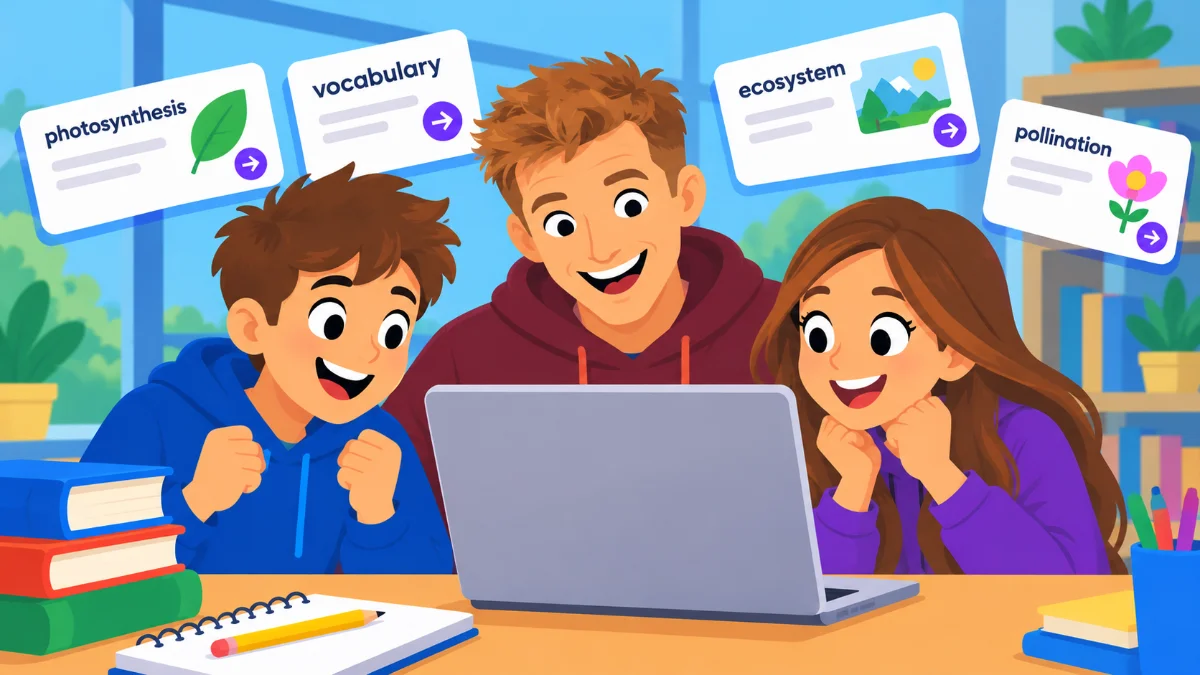
My daughter imported one of her study sets from Quizlet into Buzzler, and she and her friends said it worked way better on their Chromebooks. That makes sense, because Buzzler doesn't have any ads slowing it down.
Meet Buzzler
Buzzler lets you make study sets of terms and definitions, and your students study them four ways: Flashcards, Learn, Test, and Match.
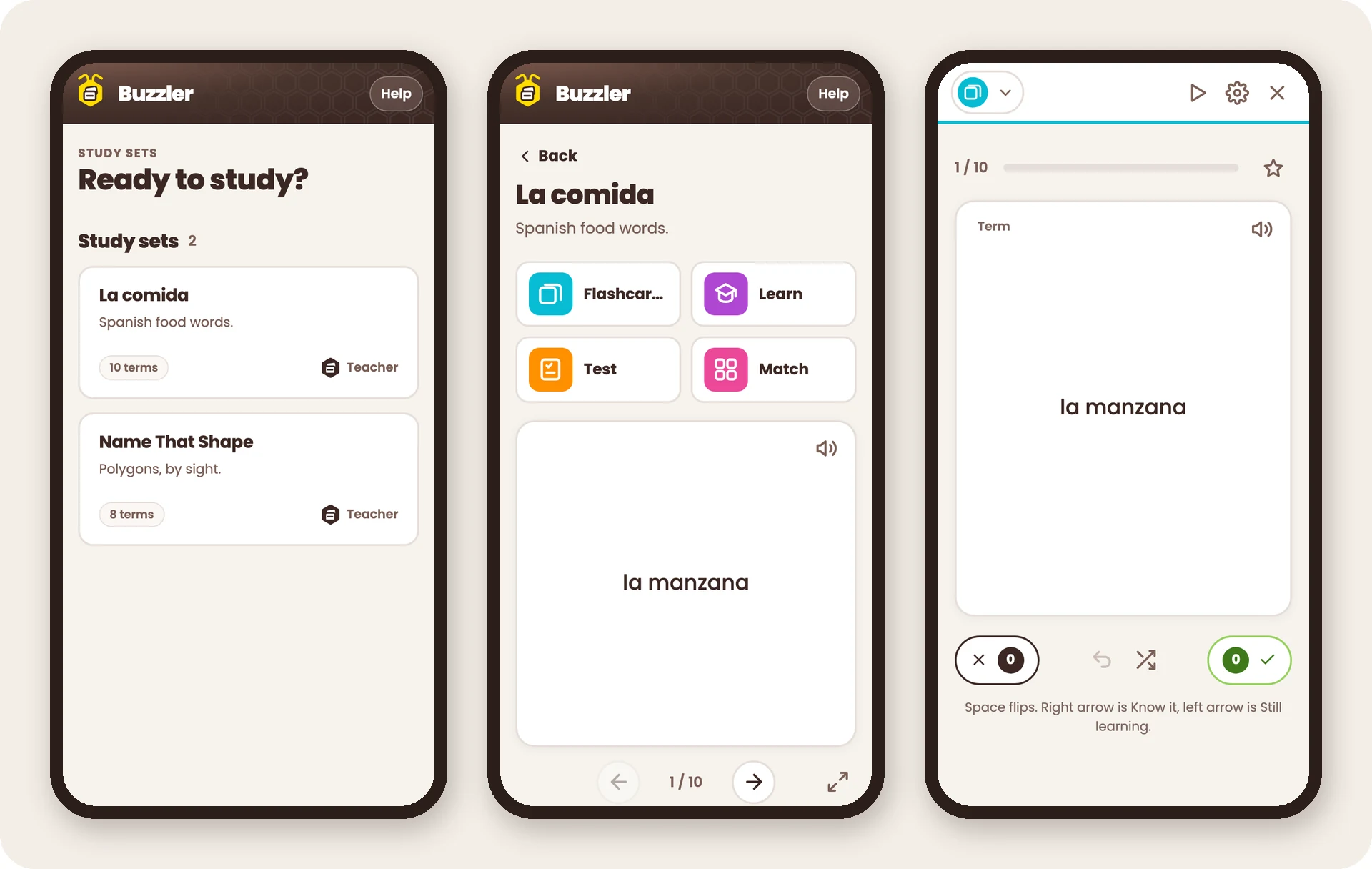
Buzzler uses Teacher Hive's Connected Superpower to sync data between you and your students. That way, you can create a study set and publish it for your class. Students can save their progress, and if you turn it on, they can create study sets of their own.
There are no ads, students don't sign up for accounts, and they never type their names.
What Buzzler Can Do
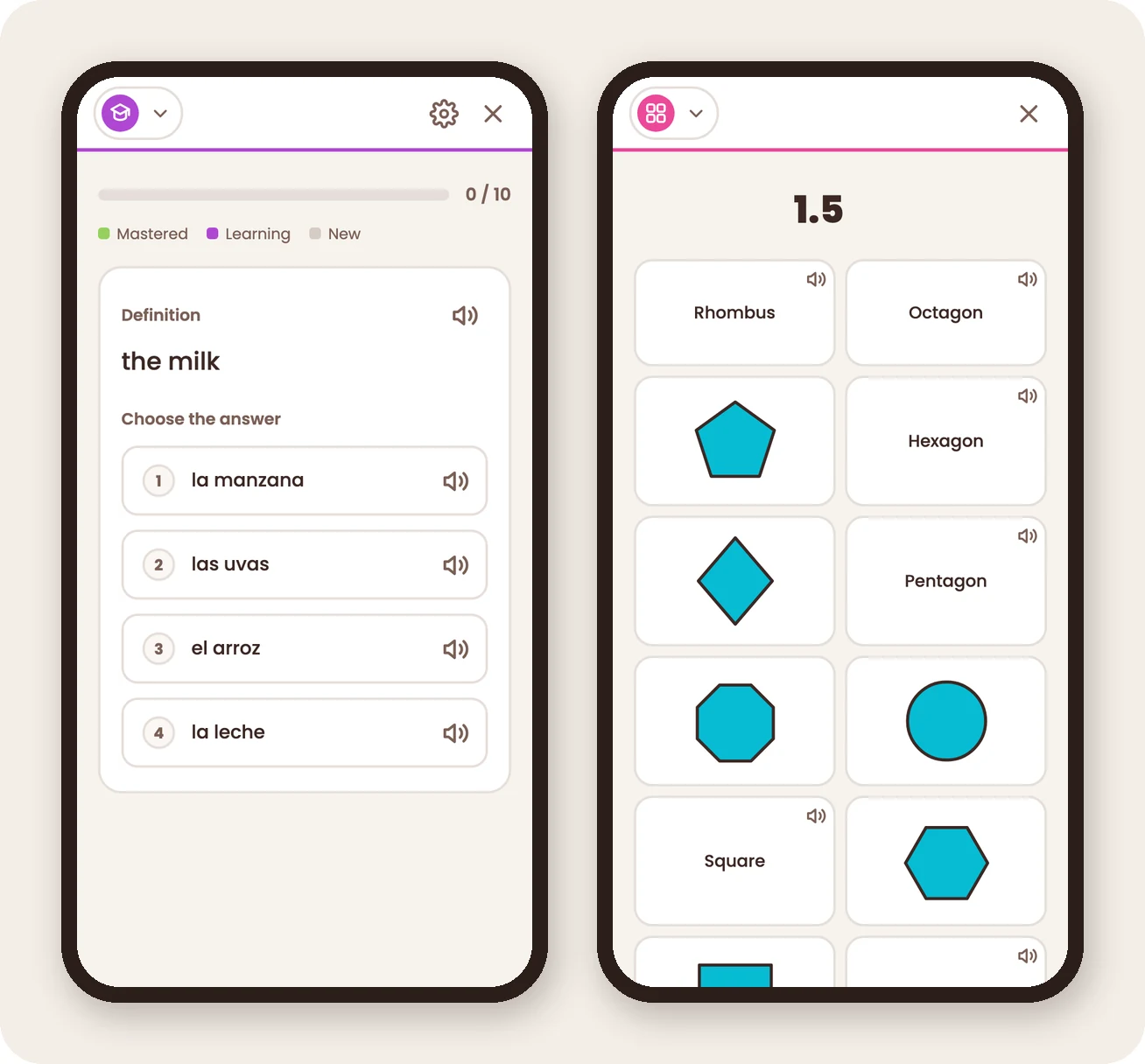
- Four ways to study. Flashcards let students flip through a set at their own pace. Learn starts with multiple choice and moves to typing the answer once a student is ready. Test mixes multiple choice, true/false, written, and matching questions. Match is a timed game of pairing tiles.
- Pictures on cards. Add a picture to either side of a card, which is perfect for sets like naming shapes, maps, or parts of a cell.
- Hear words in multiple languages. Flashcards, answer choices, and Match tiles include a speaker button. Set the language for each side of a flashcard independently, so learners can hear Spanish on the front and English on the back, for example.
- Bring your old sets. Paste a list from a spreadsheet or a Quizlet export, and Buzzler turns it into a study set. You can also download any set as a CSV file.
- Printable sheets. Print a study sheet, a practice sheet, or a word bank sheet that comes with an answer key.
- Student codes instead of names. Turn on codes when you want students to keep their progress on any device. Students can make their own code, or you can print a sheet of code cards with QR codes to hand out.
- Student-made sets. If you allow it, students with a code can make their own study sets. You can see and edit them, and you can share a good student-made set with the whole class.
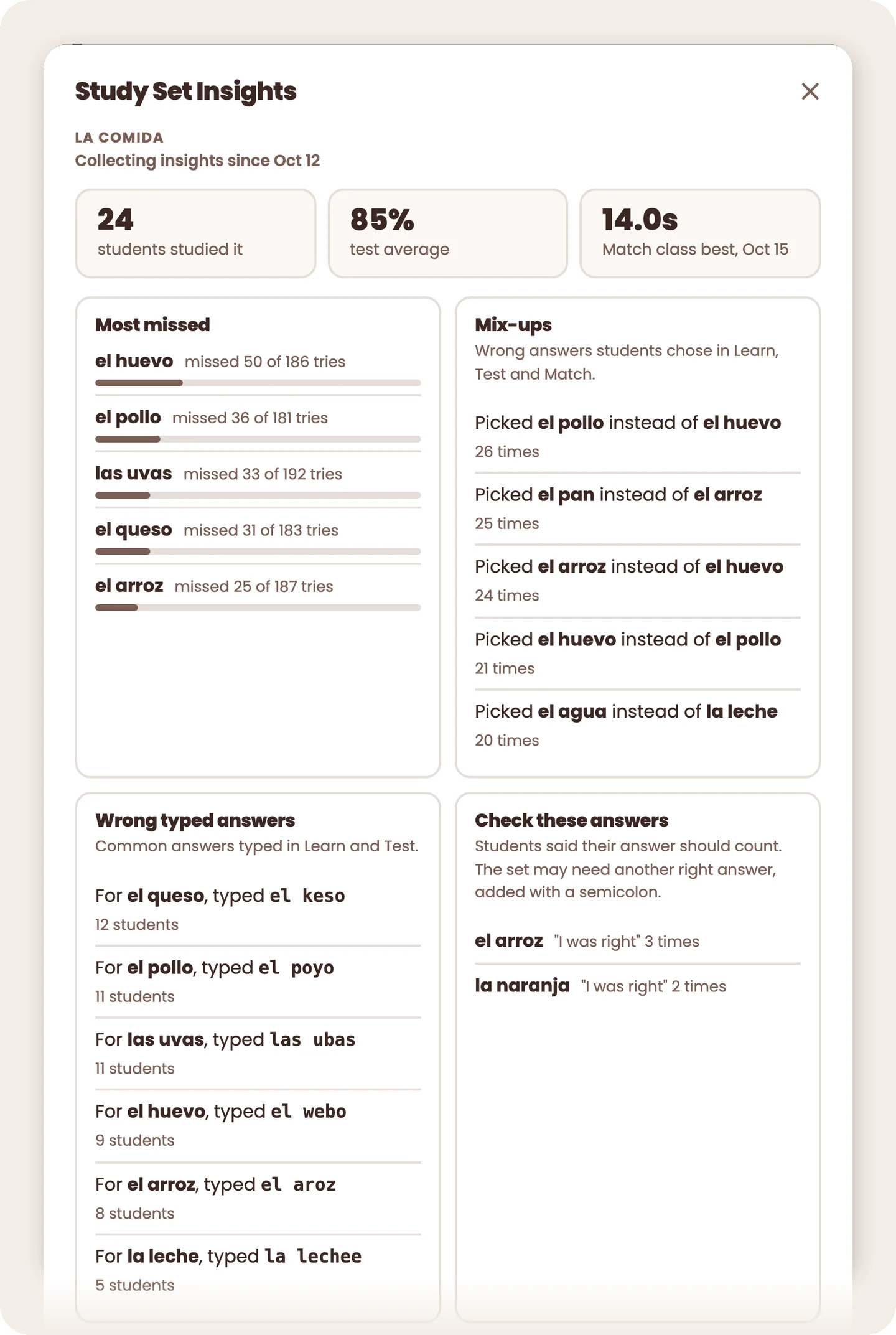
- Study Set Insights. See which terms students miss most, which wrong answers they mix up, their latest scores, and how many students started and finished each mode. No names are kept.
Your Own Copy of Buzzler
Because Buzzler stores data on Teacher Hive, including your study sets, student codes, and student progress, it’s designed to be copied. Instead of every teacher sharing one Buzzler, each teacher gets their own copy to set up and use.
Think of it like handing out notebooks from the same stack. Every notebook starts out looking the same, with the same pages and layout. But once you start writing, what you put in your notebook stays in yours. Other teachers have their own notebooks, with their own content.
Buzzler works the same way. Everyone starts with the same app, but each teacher's study sets, codes, and student progress are kept separate.
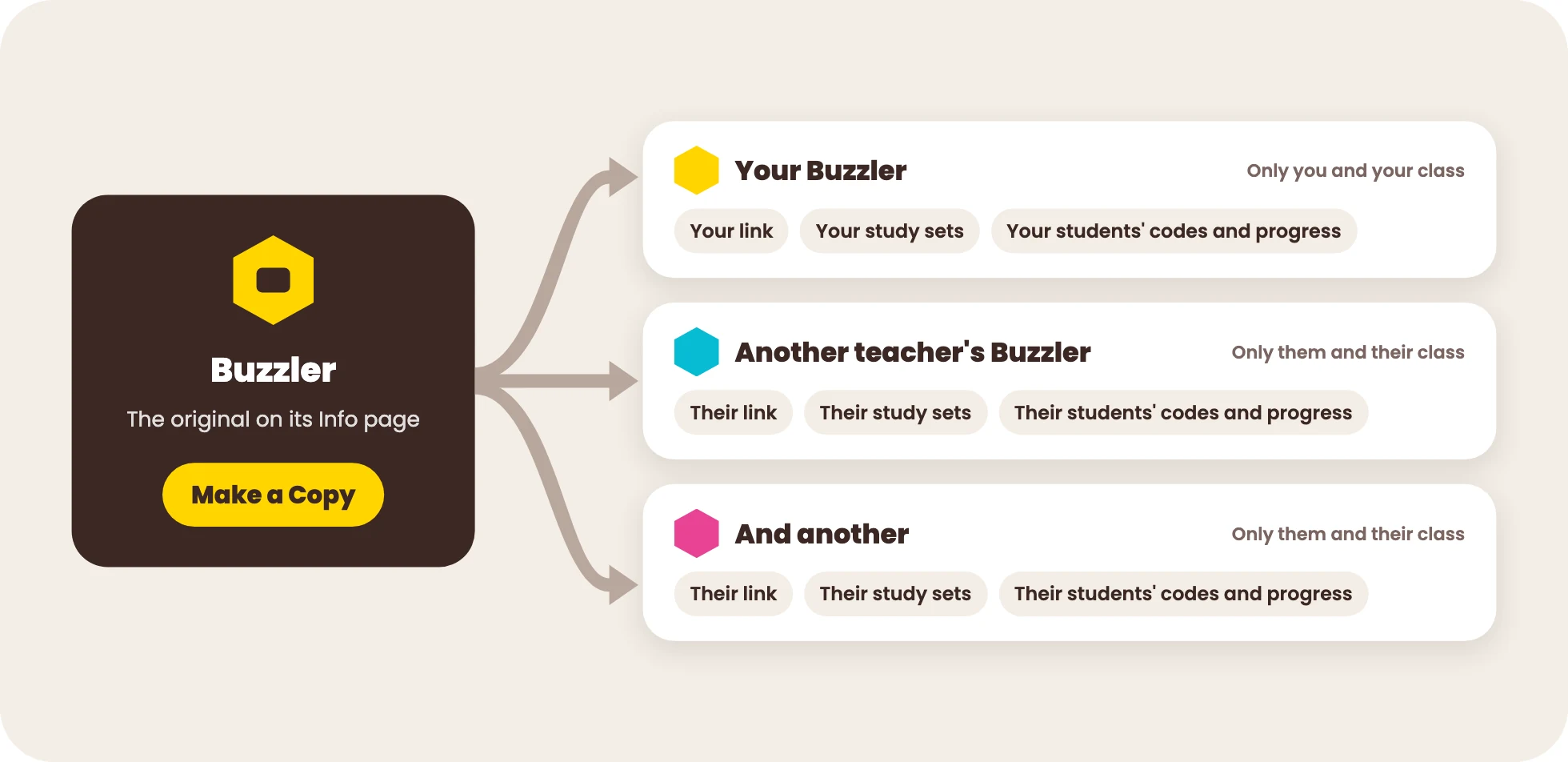
Here's how it works:
- On Buzzler's Info page, click Preview to try the app. When you're ready, click Make a Copy. You'll need a Builder account to make your own copy.
- Your copy gets its own web address, such as buzzler482913.apphive.us. The six-digit number identifies your copy, so share that address with your students.
- To create study sets and enable student codes, open Teacher view for your copy. On your My Apps page, click its orange Teacher button to see your Teacher view.
- Your copy comes with sample study sets, but not my personal ones. Your study sets and your students' work stay separate from those of other teachers.
- You can be notified when I make improvements to Buzzler, and you'll have the option to upgrade. If you upgrade, your study sets and student progress stay intact.

Comments
Sign in to leave a comment.