Vibe Coding Tools
Tools to help teachers and students work with AI to build interactive apps and resources.
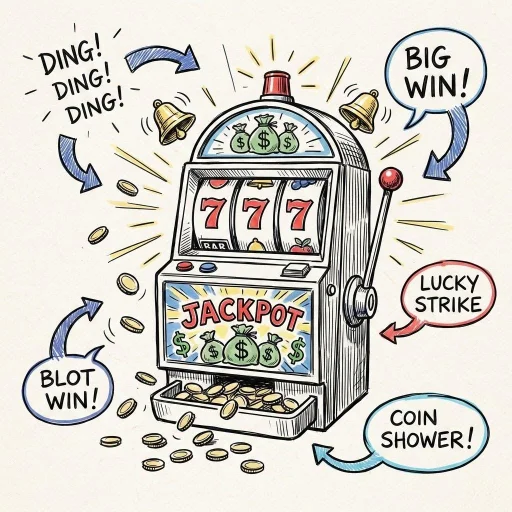
Vibe Jackpot is a program that helps create vibe code prompts to create classroom resources. Have fun randomly creating the VIbe prompt or get more specific for you grade level. Go for the Jackpot!
Deal the cards, flip the challenge — then race to build it! A game show-style classroom activity where every round generates a unique AI coding prompt.
A hands-on space for vibe coders to explore common UI elements like modals, toasts, toggles, tooltips, and accordions. See how each one works and learn how (and why) to use them in your own projects.

Built for TeacherHive creators, Model Match helps you choose the right language and image model for your app, with examples, budget options, and guidance on when to upgrade.
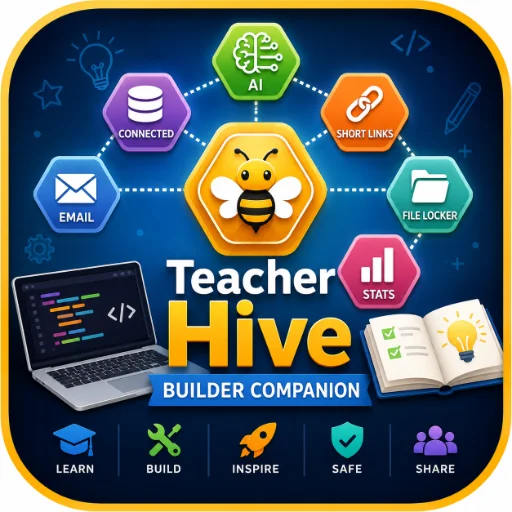
Interactive Teacher Hive builder guide with tutorials, classroom examples, Superpower walkthroughs, API safety, prompt generators, privacy tips, and app planning tools.
Paste your Google Drive link and instantly copy a direct image URL. Drop it into your AI chat so your app can display the image.
Connect your GitHub account, upload an audio or image file, and instantly get a link you can use in your vibe-coded app.

Adjust the sliders to create different sound effects. Copy the generated code and paste it into an AI chat to use the sound in games or apps you build.
Drag in your SVG and the code is instantly copied. Paste it into your AI chat so the graphic becomes part of your app.
Design ethical AI tools for your classroom in 5 guided steps. BUILD walks you through purpose, equity, transparency, and responsible design, and then generates a ready-to-use prompt.
Your app needs the perfect title! With this Gemini Gem, brainstorm clever, delightful, and ridiculous names for your app so your vibe-coding journey ends happily ever after.
AI can cook up simple music for your game or app. Pick ingredients to build a prompt you can copy and paste into your AI chat.
Bring in an SVG. Select, group, and label parts of the image. Copy the code and paste into your AI chat. Use the labels to tell AI which parts you want to animate.
Drag in your image and instantly copy the Base64 string. Paste it into your AI chat so the image becomes part of your app.
Bring in your sound effect or short audio clip to copy a highly-compressed Base64 tag. Paste it into your AI chat so the sound becomes part of your app.
More Collections
Special Education
Accessible tools and interactive activities designed to support diverse learners and accommodations.
Just for Fun
Apps that bring joy to your day.
Teacher Tools
Useful digital tools built to support planning, teaching, and classroom routines.
Phonics
Apps and games focused on phonemic awareness, decoding, and foundational reading skills.
Math
Math games and apps developed by teachers.
Social Emotional
Simple apps to support emotions, empathy, and everyday well-being.