
Skip to content
Tony Vincent
Tony Vincent

Where Does Your App Live?

When you add an app to Teacher Hive, you'll see two choices under App Source:


HTML Code or External URL


So which one should you choose?
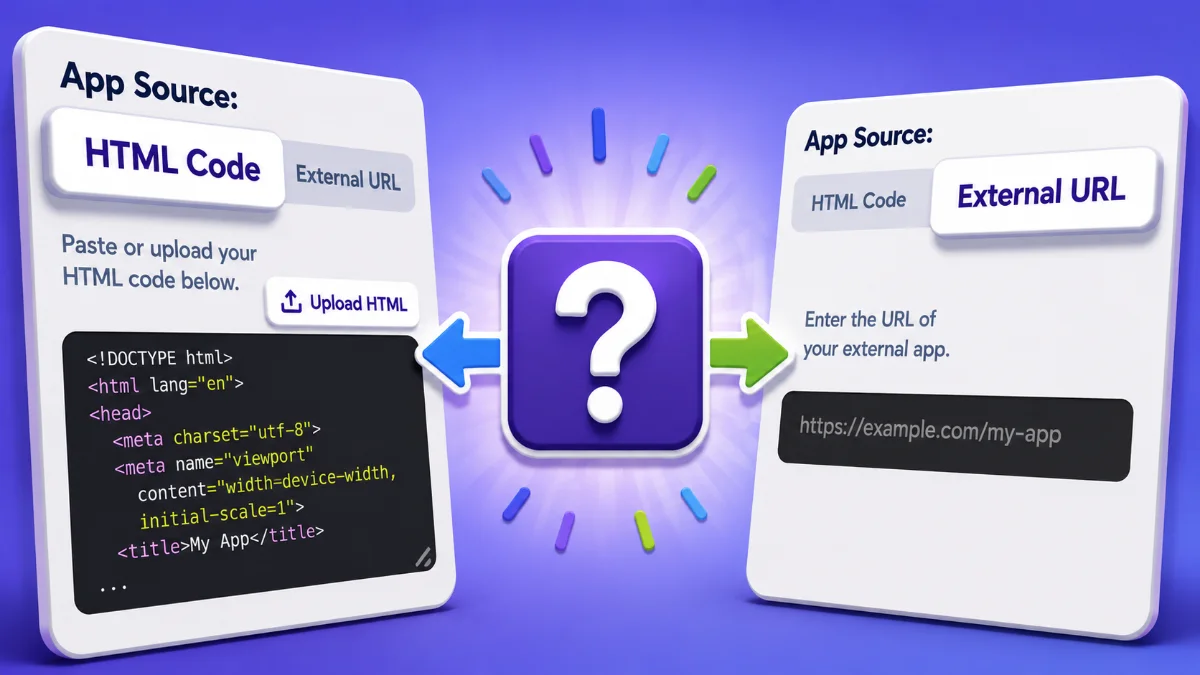
Menus showing the HTML and External tabs chosen


If you have the code, choose HTML Code.


This is usually the better choice.


If you built an app with ChatGPT, Gemini, Claude, or another coding tool and have the HTML code, paste it into Teacher Hive. Teacher Hive will host the app for you at an apphive.us address.


Hosting your app on Teacher Hive gives you a few important advantages:


Your school sees one domain. Your app lives at apphive.us instead of inside your AI chatbot or at whatever site you used to create it. Those other places are more likely to be blocked on school networks.


Your app gets your identity. When you add your app's name, description, icon, and social image to the Teacher Hive listing, Teacher Hive adds them to the page it serves. Your icon automatically becomes the app's favicon and the icon used when someone adds the app to a device's Home Screen. Your social image becomes the image people see when they share your app on social media or in apps that generate link previews.


Visit counts are complete. Every visit to a hosted app goes through Teacher Hive. With External URL, anyone who bookmarks or shares the other site's address skips Teacher Hive, so those visits never get counted.


Superpowers work. AI, Connected, Email, Short Link, and File Locker are available to apps hosted by Teacher Hive. Switch App Source to External URL and the Superpower sections disappear from the form.


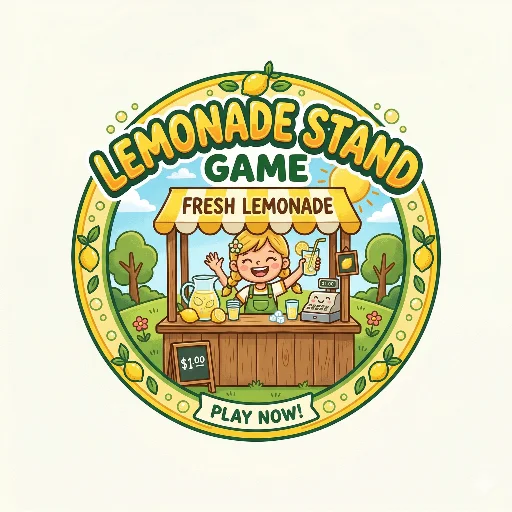
Lemonade Stand from Blair Draxler is a good example. It's a simple HTML app with no Superpowers, but it's one of the most-opened apps on Teacher Hive. Blair pasted in the code, and Teacher Hive takes care of hosting it. It's browser favicon is the icon Blair uploaded when we added his app to Teacher Hive
Lemonade Stand
Lemonade Stand FROM BLAIR DRAXLER
apphive.us/lemonadestand

Run a successful lemonade stand and learn about supply, demand, and profit margins!

Info

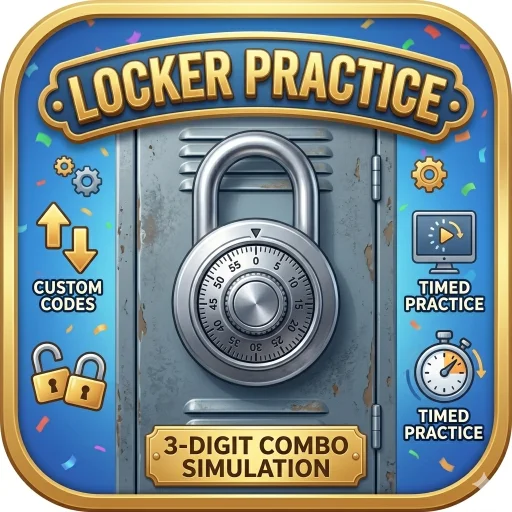
And an app doesn't have to stay simple. Locker Practice from Dan Gallagher started as a locker combination simulator. Later, he added a leaderboard using the Connected Superpower, letting students see top times.

Locker Practice
Locker Practice Connected app
FROM DAN GALLAGHER
apphive.us/locker

Master 3-digit locker combos with this realistic 3D simulation. Features an integrated dial, custom/random codes, timed practice, and a slow-motion computer preview to help students build speed.

Info

If you don't have code you can copy, choose External URL.


Some things simply can't be hosted as HTML in Teacher Hive.


Maybe you've made a Gemini Gem, a Canva site, or an Apps Script web app. Or maybe your project depends on files or services that need to stay where they are.


That's what External URL is for.


Paste the web address into Teacher Hive, and your app gets a Teacher Hive listing that sends people to the other site. You can spot these while browsing: the app's card shows the other site's domain, and the Info page button says Visit instead of Launch.


For example, my App-ily Ever After is a Gemini Gem. Since the Gem needs to run inside Gemini, it can't be hosted by Teacher Hive. I use External URL so it appears with my other apps on Teacher Hive.

App-ily Ever After
App-ily Ever After Gemini GemAI enabled FROM TONY VINCENT
gemini.google.com

Your app needs the perfect title! With this Gemini Gem, brainstorm clever, delightful, and ridiculous names for your app so your vibe-coding journey ends happily ever after.

Info

Geometry Vocabulary Review by Mrs. Gentry is a Canva site. Canva hosts the code, so External URL is the way to add it to Teacher Hive.

Geometry Vocabulary Review
Geometry Vocabulary Review FROM MRS. GENTRY
geometryreview.my.canva.site

Match the vocabulary word with its correct definition.

Info

External apps still get some useful Teacher Hive benefits. They have a Teacher Hive listing, an apphive.us address, and a QR code. And if you move the app later, you can update its URL in Teacher Hive without having to replace the links or QR codes you've already shared.


The quick rule


Have HTML code? Choose HTML Code.


Need the app to stay where it is? Choose External URL.

Comments

Sign in to leave a comment.